Category: technology

  • Best Free Video Editing Software: A Safe & Simple 6-Part Guide

    Best Free Video Editing Software: A Safe & Simple 6-Part Guide

    Searching for the best free video editing software can be confusing and risky. With so many seemingly official websites, not all are safe.

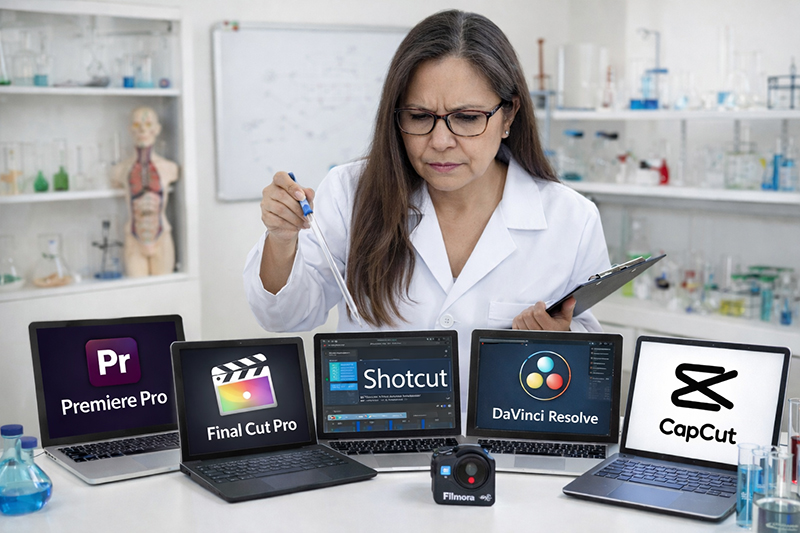
    I have personally tested six popular video editing tools and go over, step by step, what works, what doesn’t, and, most importantly, how you can confidently choose and safely download the right one.

    Get expert insights to save time, avoid scams, and choose the perfect tool for you—start with the first review!
    best free video editing software

    If you’re part of my drone community, or if you’ve ever asked:

    • “What’s the easiest free video editor?”
    • “What works on Windows?”
    • “What works on Mac?”
    • “Can I just edit on my phone?”
    • “Is this download safe?”

    This series is for you.

    Over the next six posts, I’ll be breaking down:

    Davinci

    ClipChamp
    Shotcut

    OpenShot

    Capcut

    Filmora

    Each post will cover:

    ✔ What it is
    ✔ Who it’s best for
    ✔ Pros and cons
    ✔ Windows vs Mac compatibility
    ✔ Smartphone options
    ✔ Beginner difficulty level
    ✔ And most importantly — safe download links

    ⚠️ Important Download Safety Warning

    There are many websites that look official but are not. Some copy the design of real software companies and try to trick people into downloading unsafe files.

    For your protection:

    ✔ Only download from the official website
    ✔ Use the direct link provided in this article
    ✔ Never download from pop-up ads
    ✔ If something looks slightly “off,” stop

    Every link in this series will be tested personally before I share it.

    Free video editing software related post:

  • Technology for Seniors Wasn’t an Accident

    Technology for Seniors Wasn’t an Accident

    Technology for Seniors Wasn’t an Accident— It Was a Timeline Problem

    Technology advances rapidly, while people tend to move at a slower pace.

    And here’s the critical truth many people never hear:

    Physical and mental challenges are part of everyday life as we age, and the creators of modern technology did not build technology with that in mind.

    • Vision often declines, especially contrast sensitivity and the ability to read small text
    • Fine motor control can be affected, making precise taps and swipes harder
    • Working memory and processing speed may slow, increasing cognitive load
    • Multitasking becomes more mentally taxing

    For seniors, the text gets smaller. Menus get deeper. Gestures replace buttons. Updates move settings without warning.

    None of this means seniors are “bad with technology.”

    It means the technology evolved without checking whether it still worked for them.

    A Brief Reality Check on How Tech Was Built

    Bill Gates, Steve Jobs, and their peers were young when personal computing began in the 1970’s and 1980’s. Early Personal computing users were young professionals, engineers, and students.

    Designers built technology for strong eyesight, fast reaction times, and comfort with experimentation. As technology evolved, it continued to cater to those assumptions. Silicon Valley culture has long prioritized innovation speed over accessibility. Aging wasn’t part of the design conversation. And let’s be honest, most young people don’t imagine themselves growing old. So the future keeps getting built for the present.

    Today’s seniors find themselves caught in a challenging situation.

    Seniors caught in the middle create a unique tension.

    Today’s seniors spent most of their lives without digital technology, as computers, smartphones, and the internet emerged after they had established their careers, raised families, and formed their habits.

    Meanwhile, future seniors will age with technology—but aging will still affect their bodies and minds. Familiarity alone does not erase physical or cognitive change.

    So we must ask how we design technology that respects aging.

    One place to start is focusing on what actually matters. Things such as making text easier to see, reducing constant and annoying notifications, and removing unnecessary apps.

    Scams are becoming more rampant and harder to spot, so we need to learn to distinguish real messages from scams.

    Devices are more expensive, and fear of breaking them may make it difficult for anyone, not just seniors, to focus on the settings needed to protect their investment, as they worry about breaking or removing something vital to device operation.

    Stress that even small wins, like simple adjustments, can significantly improve seniors’ technology experience and encourage ongoing efforts toward accessible design.

    Technology should support independence, not threaten it.

    iMarly