
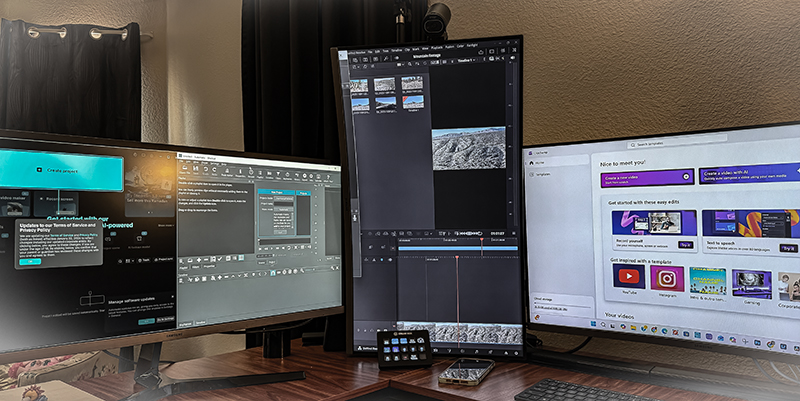
Searching for the best free video editing software can be confusing and risky. With so many seemingly official websites, not all are safe.
I have personally tested six popular video editing tools and go over, step by step, what works, what doesn’t, and, most importantly, how you can confidently choose and safely download the right one.
Get expert insights to save time, avoid scams, and choose the perfect tool for you—start with the first review!
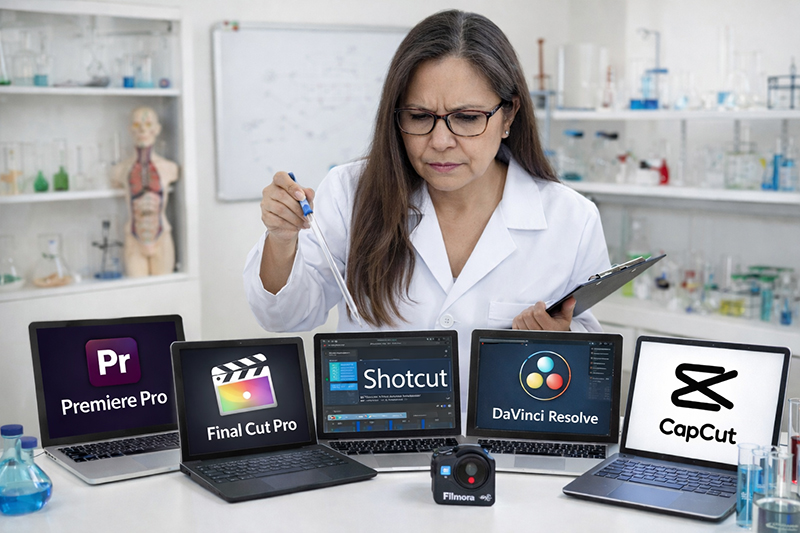
If you’re part of my drone community, or if you’ve ever asked:
- “What’s the easiest free video editor?”
- “What works on Windows?”
- “What works on Mac?”
- “Can I just edit on my phone?”
- “Is this download safe?”
This series is for you.
Over the next six posts, I’ll be breaking down:
Davinci
ClipChamp
Shotcut
OpenShot
Capcut
Filmora
Each post will cover:
✔ What it is
✔ Who it’s best for
✔ Pros and cons
✔ Windows vs Mac compatibility
✔ Smartphone options
✔ Beginner difficulty level
✔ And most importantly — safe download links
⚠️ Important Download Safety Warning
There are many websites that look official but are not. Some copy the design of real software companies and try to trick people into downloading unsafe files.
For your protection:
✔ Only download from the official website
✔ Use the direct link provided in this article
✔ Never download from pop-up ads
✔ If something looks slightly “off,” stop
Every link in this series will be tested personally before I share it.
Free video editing software related post:

- DaVinci Resolve Free Editor: Is It Too Powerful for Beginners?
- Clipchamp Video Editor for Windows: The Easiest Built-In Option?
- Shotcut Free Video Editor: A Truly Free Alternative Without Watermarks.
- OpenShot Video Editor: Free, Simple, and Easy to Start.
- CapCut Video Editor Review: Easy for Phone Editing, but Is It Safe?