
This post is part of my complete guide:
Best Free Video Editing Software – Full Series Overview
OpenShot video editor is designed to make video editing feel less overwhelming while still offering useful tools for trimming, adding music, and creating simple projects. For anyone who wants something free and straightforward, OpenShot often feels more approachable than professional-level software.
⚠️ Important Download Safety Warning
Because OpenShot is free and open-source, many websites offer downloads. Some are legitimate. Others bundle unwanted software or fake installers.
To stay safe, I recommend that you always download OpenShot from the official website. Be sure to steer clear of any unfamiliar “download mirrors,” and never trust pop-up ads promising a faster download. It’s also a good habit to double-check the website address before installing anything.
The only legitimate source is:
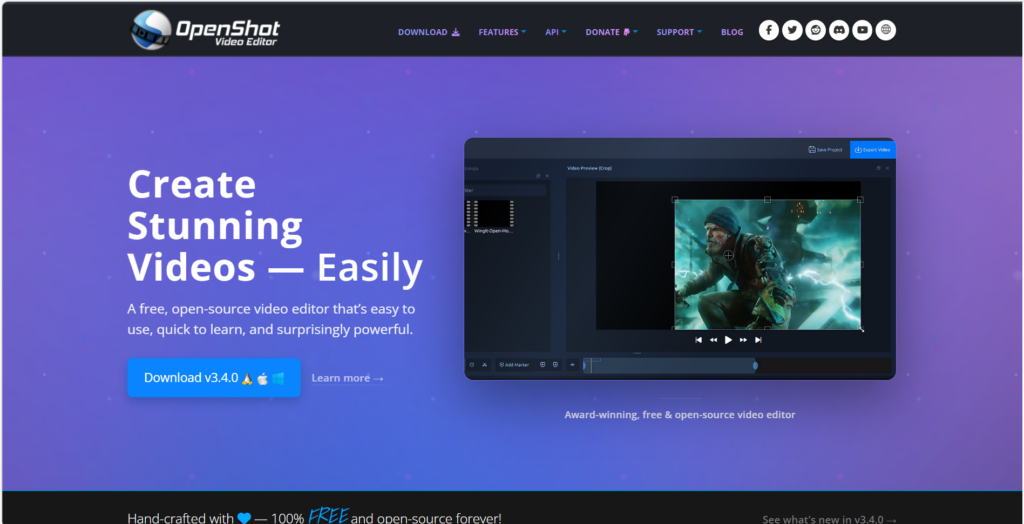
If the website address is different, stop.
I personally verify every download link before sharing it.
What Is OpenShot Video Editor for Beginners?
OpenShot is completely free and open-source, works on Windows, Mac, and Linux, and is designed with simplicity in mind.
When you open OpenShot, you’ll notice something immediately: The layout feels clean. The first things you’ll notice are a clean preview window, a timeline running along the bottom, a handy media box off to the side, and big, easy-to-read icons.
It is very user-friendly.
That’s an important difference.
Why OpenShot Video Editor Feels Less Intimidating
OpenShot focuses on making the basics easy.
You can:
✔ Drag and drop videos into the timeline
✔ Trim the beginning or end
✔ Add music underneath your video
✔ Insert titles and text
✔ Add simple transitions
The tools are clearly visible and labeled. Tools are not hidden in dozens of panels, no account is required, and cloud services are not needed. Just open and work. Simpler than DaVinci Resolve but not as polished as Clipchamp.
Pros and Cons of OpenShot Video Editor
Let’s keep this simple and balanced.
✅ Pros
OpenShot is completely free and doesn’t put any watermarks on your videos. Its layout is beginner-friendly, and it runs on both Windows and Mac. I really appreciate how easy it is to drag and drop clips, and you never have to create an account to get started.
❌ Cons
OpenShot does have its limitations: it can get unstable if you’re working on large projects, rendering longer videos can take some time, and you won’t find a lot of advanced color tools or modern templates.
If you’re editing long 4K drone footage, it may struggle.
If you’re editing short family clips, it works just fine.
What Computer Do You Need?
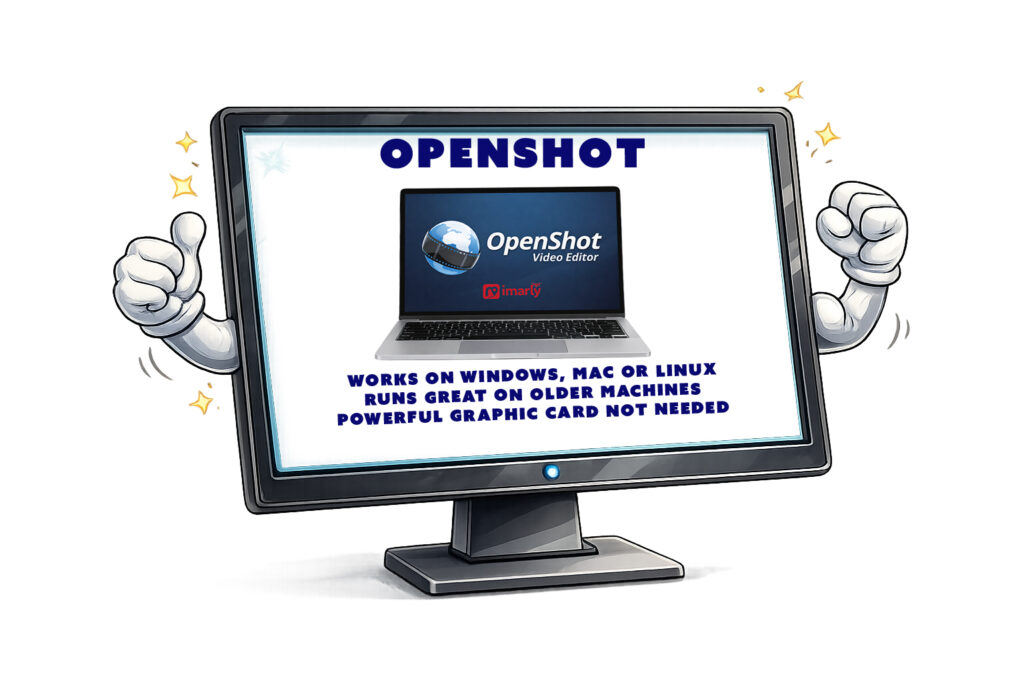
OpenShot Video Editor works on:
- Windows
- Mac
- Linux
It runs better than DaVinci on older machines.
You don’t need a powerful graphics card.
But having more RAM always helps with video editing.
For basic HD editing, most modern computers will handle it comfortably.
For heavy 4K editing, performance may vary.
Is OpenShot Video Editor Really Free?
OpenShot really is free—there’s no watermark, no trial period, and no subscription required. It’s all made possible by donations and community support, not some big corporate licensing scheme. That’s a huge plus if you’re like me and prefer to avoid anything with a subscription attached.
Who Should Use OpenShot?
Best for:
OpenShot is a great fit if you’re completely new to editing, want to put together family vacation videos, create quick social media clips, or just need something simple and offline that doesn’t overwhelm you with features you’ll never use.
Not ideal for:
OpenShot isn’t the best choice if you’re looking to do advanced cinematic color grading, tackle really large professional projects, or dive into heavy special effects work.
OpenShot is about accessibility, not complexity.
Honest Recommendation
If DaVinci feels too advanced and Shotcut feels slightly technical, OpenShot may feel more comfortable.
It’s not the fastest.
It’s not the most powerful.
But it’s approachable.
And sometimes the best software is the one you’ll actually use.
In the next post, we’ll examine CapCut — a wildly popular editor, especially for phone users and social media creators.
📊 Not Sure Which Editor Is Right for You?
This review is part of my complete guide to Free Video Editing Software.
If you’d like to see all six programs compared side-by-side — including what’s truly free and what has limits — visit the full comparison guide here:
👉 Free Video Editing Software: Final Comparison and Safety Guide