
This post is part of my complete guide:
Best Free Video Editing Software – Full Series Overview
Clipchamp video editor for Windows is a straightforward choice for beginners, as it is often pre-installed on Windows 11 computers. However, simple does not always mean it will meet every need.
What Is Clipchamp Video Editor for Windows?
Clipchamp is Microsoft’s modern, beginner-friendly video editor. It replaced the old Windows Movie Maker style tools and is designed to be:
- Clean
- Simple
- Template-based
- Cloud connected
Unlike DaVinci Resolve, Clipchamp is not built for Hollywood-level production. It’s built for everyday users. It runs in your browser or as a lightweight app, making it less demanding on your computer.
Why Clipchamp video editor for Windows Is Beginner-Friendly
When you open it, you see:
- Large buttons
- Drag-and-drop media areas
- Pre-made templates
- Simple trimming tools
There are no overwhelming color wheels.
No advanced audio mixers.
No complicated node systems.
You can:
✔ Import a video
✔ Drag it to a timeline
✔ Trim the beginning or end
✔ Add music
✔ Add text
✔ Export
That’s it.
Clipchamp Video Editor for Windows

Pros and Cons
✅ Pros
Clipchamp is honestly great if you’re just starting out—it’s super beginner-friendly and the interface is clean, so you won’t get lost. A lot of the time, you’ll already have it on your Windows 11 machine, so there’s no huge download to worry about. It’s perfect for basic edits and doesn’t bog down your computer like pro-level software can.
❌ Cons
There are a few downsides though—Clipchamp makes you sign in with a Microsoft account, and some of the cooler features are behind a paywall. Since a lot of its magic happens in the cloud, you’ll need a decent internet connection. If you’re hoping for advanced editing tools or the ability to export in any format you want, you might find yourself wishing for more.
If your goal is serious color grading or advanced cinematic editing, you may eventually outgrow it.
But for simple edits? It’s comfortable.
Is Clipchamp Really Free?
Yep, Clipchamp is free. You’ll get the basics: simple video editing, exports in the usual (not super high-end) resolutions, and a handful of stock media—not a massive library. It’s enough to get you started, but you will have to pay if you want more premium features or a deep pool of stock footage.
What Computer Do You Need?
Clipchamp works best on:
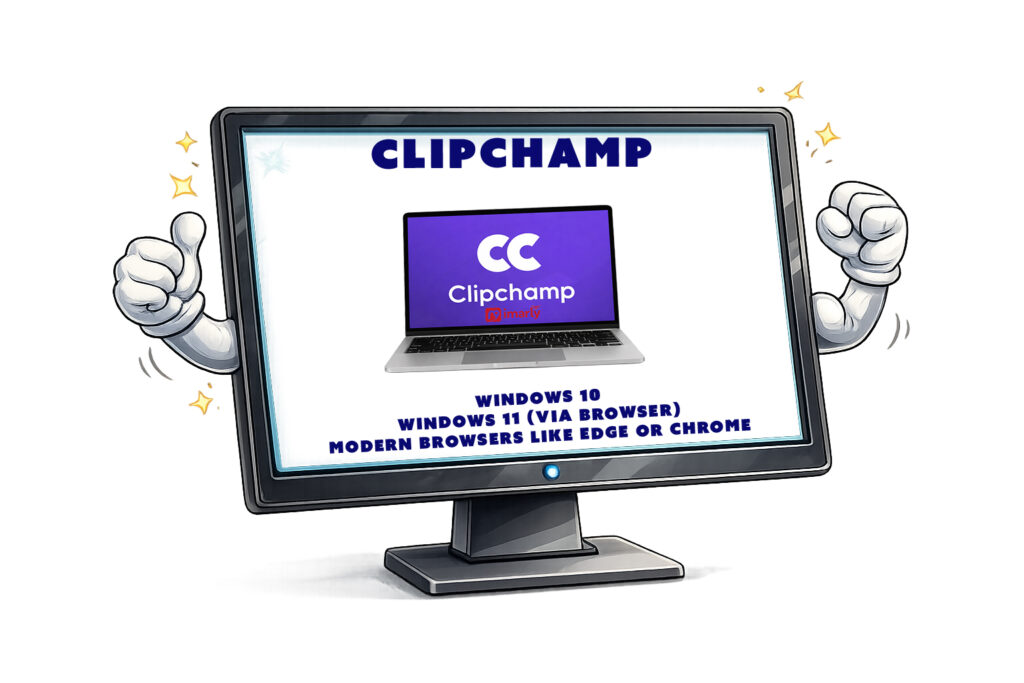
- Windows 11
- Windows 10 (via browser)
- Modern browsers like Edge or Chrome
It does not have a full Mac desktop version, though Mac users can use it through a browser.
Because it relies partly on cloud processing, it doesn’t require as much hardware as DaVinci Resolve does.
That makes it appealing for older computers.
So, who is the best fit for Clipchamp video editor for Windows?
Clipchamp is a sweet spot for beginners, people who just want to edit a quick vacation video, or anyone making something for social media—especially if you hate complicated interfaces or you’re working on an older computer. On the flip side, if you’re after advanced color correction, professional-level editing, or huge 4K drone projects, this probably isn’t the tool for you.
My Honest Recommendation
Clipchamp can feel less intimidating than DaVinci, thanks to its lower learning curve. As a beginner, you can get comfortable with timelines and trimming. It allows beginners to get comfortable with timelines and trimming without experiencing overwhelm.
Next, we’ll explore Shotcut—a completely free open-source option that sits somewhere between simple and serious, supplying a different balance of features.
📊 Not Sure Which Editor Is Right for You?
This review is part of my complete guide to Free Video Editing Software.
If you’d like to see all six programs compared side-by-side — including what’s truly free and what has limits — visit the full comparison guide here:
👉 Free Video Editing Software: Final Comparison and Safety Guide