
This post is part of my complete guide:
Best Free Video Editing Software – Full Series Overview
Shotcut free video editor is a completely open-source program that offers powerful editing tools without subscriptions, watermarks, or hidden upgrades. For seniors who want something free but more capable than basic editors, Shotcut may be a strong middle-ground option.
While Shotcut is free, it may take a little practice to use comfortably.
⚠️ Important Download Safety Warning
This is critical.
Because Shotcut is free and open-source, many third-party websites offer downloads. Some of those sites are safe. Some are not.
For your protection:
✔ Only download from the official Shotcut website
✔ Never download from “free software collection” sites
✔ Avoid pop-up ads claiming faster versions
✔ Double-check the website spelling before clicking
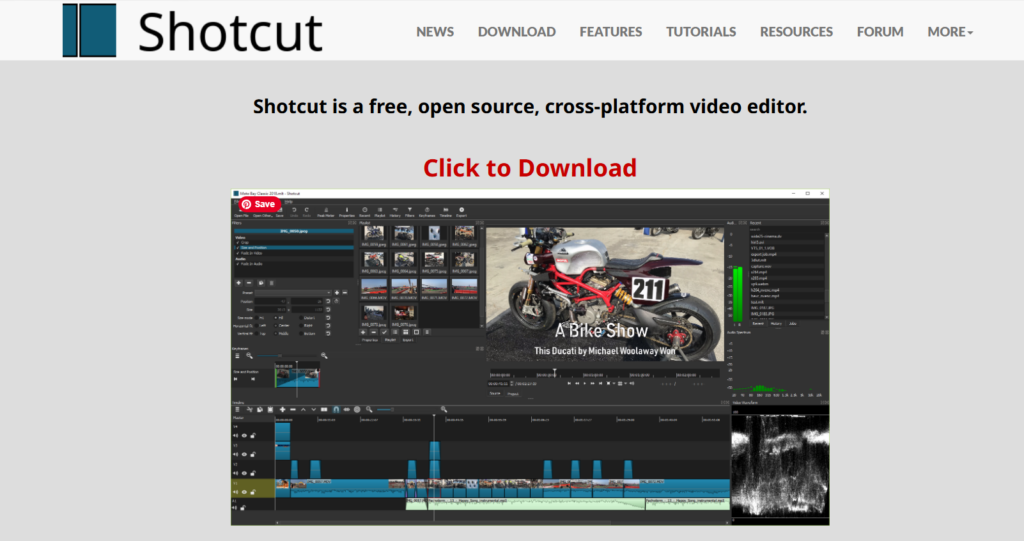
The only legitimate source is:
If the web address is anything different, stop.
I personally verify every download link before sharing it.
What Is Shotcut Free Video Editor?
Shotcut is:
- 100% free
- Open-source (built by a global developer community)
- Available for Windows, Mac, and Linux
- Not owned by a major corporation
Unlike Clipchamp, it does not rely on cloud processing.
Unlike DaVinci Resolve, it does not aim to compete with Hollywood studios.
It lives somewhere in between.
When you open Shotcut free video editor, you’ll see:
- A timeline
- A preview window
- Panels you can turn on or off
- Basic editing tools
It’s more “toolbox” than “template-based editor.”
Is Shotcut Free Video Editor Easy to Learn?
Moderately.
Shotcut is simpler than DaVinci Resolve.
But it is less polished than Clipchamp.
Honestly, Shotcut’s interface does look a little old-school. The buttons are smaller, and the whole layout isn’t as sleek as some newer editors. It might not win any beauty contests, but it gets the job done.
Underneath that plain look, though, are all the basics you actually need. You can trim your clips, add music, drop in some text, use filters, tweak the color, and export your finished video—no watermarks, no nonsense.
It doesn’t drown you in Hollywood-level film tools, but it also doesn’t babysit you with step-by-step templates. So yes, there’s a bit of a learning curve. But in my experience, it’s not overwhelming—just give yourself an afternoon to poke around and you’ll get it.
Pros and Cons of Shotcut Free Video Editor
Let’s make this very clear.
✅ Pros
• Completely free
• No watermark
• No subscription required
• Works on Windows and Mac
• Lightweight compared to pro software
• Good balance of power and simplicity
❌ Cons
• Interface looks dated
• Fewer built-in templates
• Fewer “drag-and-drop” guided tools
• Occasional small glitches depending on the system
What Computer Do You Need?
Shotcut runs on:
- Windows
- Mac
- Linux
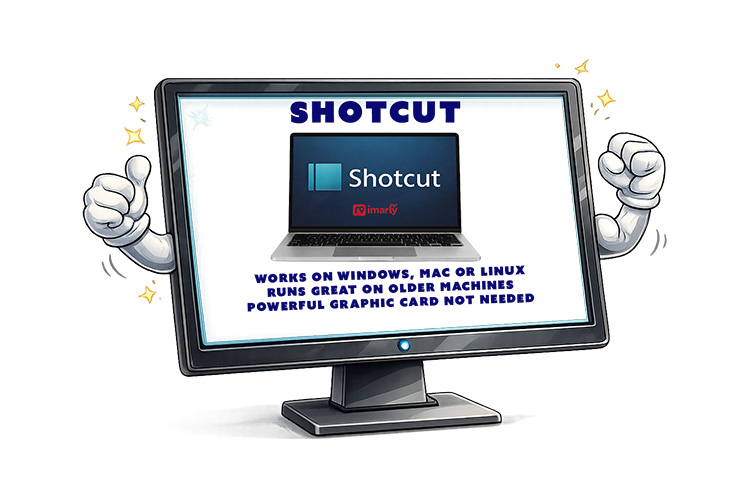
It works on older machines better than DaVinci Resolve does. You don’t need a powerful graphics card. But more RAM always helps when editing video. If your computer can play HD video smoothly, it will likely handle Shotcut fine. For heavy 4K drone editing, performance may vary.
- No WaterMark
- No hidden export limits.
- No trial period.
“Free” actually means free.
It’s supported by community development and donations — not subscriptions.
That’s refreshing in today’s software world.
Who Should Use Shotcut?
Best for:
Shotcut is great if you want more control than you get with Clipchamp, especially if you hate being locked into subscriptions. It’s a solid pick for editing family videos or if you’re just not quite ready to dive into the deep end with something like DaVinci Resolve.
Not ideal for:
Shotcut isn’t the best choice if you’re after flashy templates, instant social media effects, or heavy, Hollywood-style color grading. It’s more about giving you the essentials without the frills—great for getting the job done, but not for those who want everything done for them with a single click.
My Honest Recommendation
Shotcut feels like the dependable old pickup truck of video editors.
It’s not shiny.
It’s not corporate.
It doesn’t try to impress you.
But it works.
If you want:
- True free software
- No watermark
- No subscription
- No cloud dependency
Shotcut deserves serious consideration.
In my next post, we’ll look at OpenShot — another open-source editor that aims to be even more beginner-friendly.
📊 Not Sure Which Editor Is Right for You?
This review is part of my complete guide to Free Video Editing Software.
If you’d like to see all six programs compared side-by-side — including what’s truly free and what has limits — visit the full comparison guide here:
👉 Free Video Editing Software: Final Comparison and Safety Guide